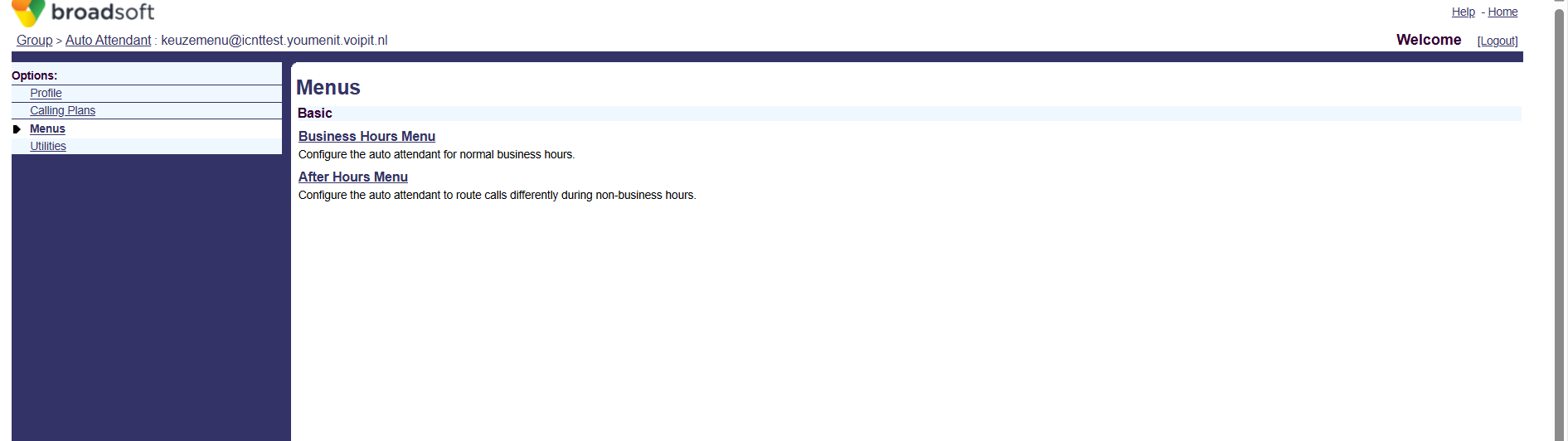
*To create a Menu , do the following:
-Navigate to Group
-Services
-Auto Attendant -> Edit
-Menus
-Bussiness Hours Menu / After Hours Menu
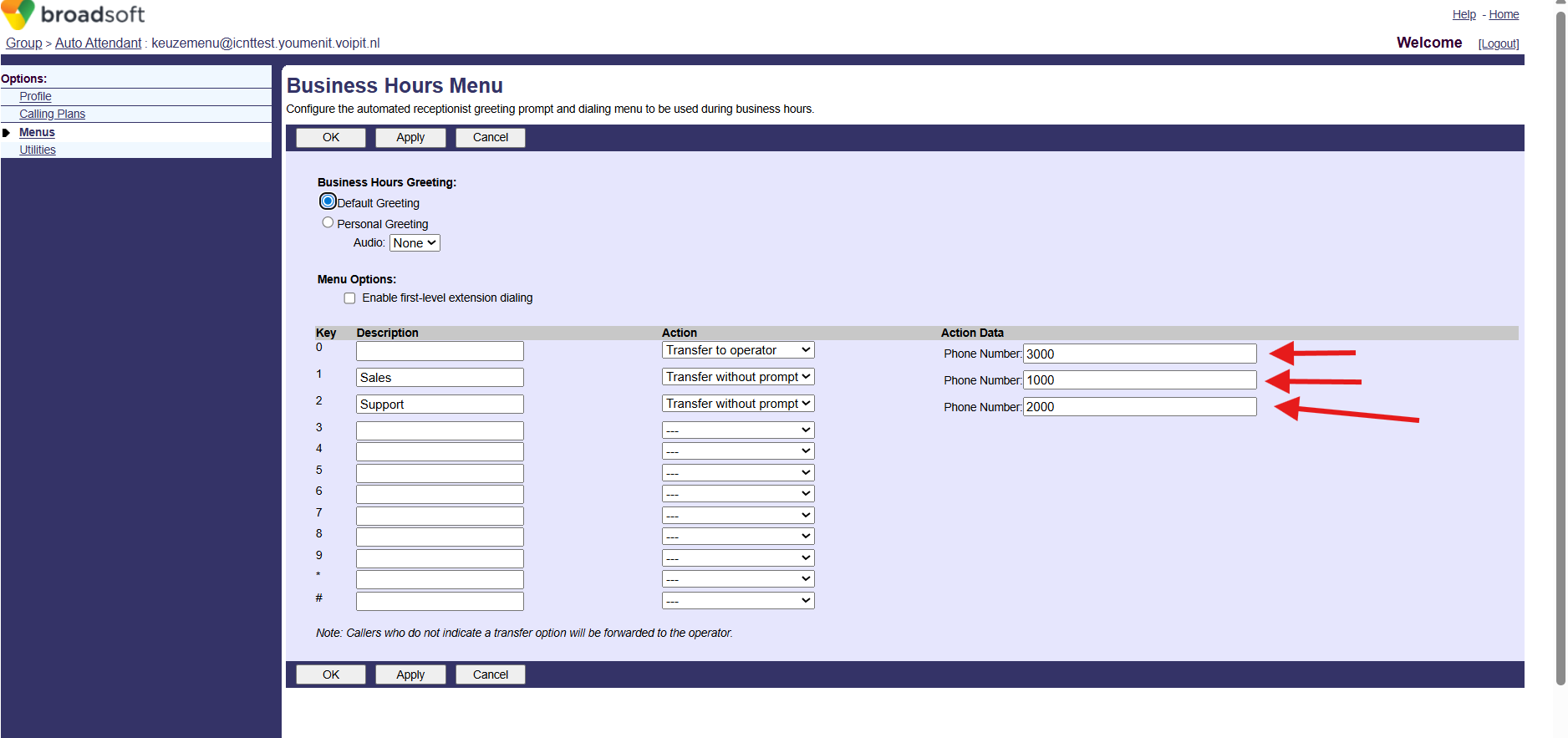
*When creating Menus based on needs, it's important to have in mind that before that happend we should have a Hount Group or Call Center created with the correct ID/Extension (e.g: 3000,1000,2000) so we can re-direct the call to the right Person/Group.
Was this article helpful?
That’s Great!
Thank you for your feedback
Sorry! We couldn't be helpful
Thank you for your feedback
Feedback sent
We appreciate your effort and will try to fix the article